

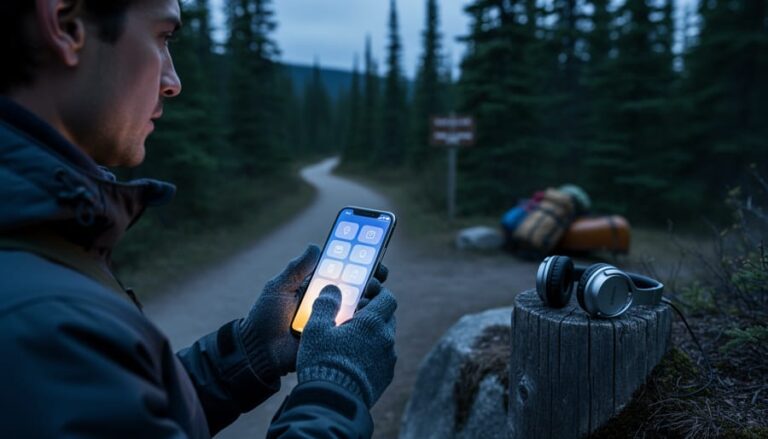
Download region-specific apps before you lose cell service in remote park areas—Ontario’s backcountry zones often have spotty connectivity, so preload maps, trail guides, and campground information while you’re still in town. This simple step transforms your smartphone into a reliable wilderness companion, even when you’re miles from the nearest tower.
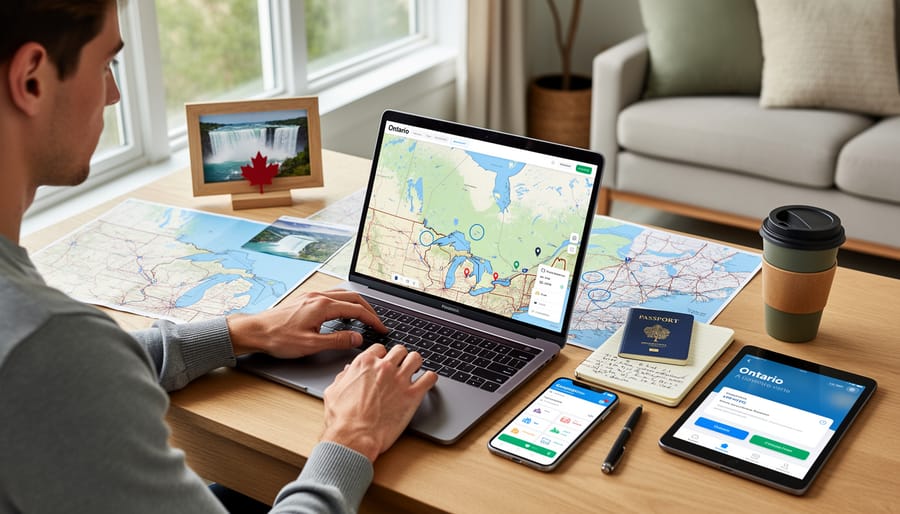
Planning your Ontario adventure has never been easier, thanks to digital tools that put thousands of trail maps, real-time campsite availability, and weather forecasts right in your pocket. Gone are the days of juggling paper maps in the wind or wondering if your chosen campground is already full. Today’s travel apps let you reserve campsites, discover hidden swimming spots, and navigate backcountry trails with confidence—all while reducing paper waste and helping you travel more sustainably.
The secret to stress-free trip planning isn’t using more apps, but choosing the right ones for Ontario’s unique landscape. Whether you’re seeking waterfalls in Algonquin, coastal trails along Lake Huron, or urban parks in Toronto, specialized apps designed for Canadian wilderness offer features generic travel platforms simply can’t match. They understand our weather patterns, conservation areas, and the quirks of Crown land camping.
Smart travelers combine official park apps with crowd-sourced trail reviews and offline GPS navigation, creating a digital toolkit that works as hard as they do. The best part? Most essential planning apps are free, putting expert-level trip coordination within everyone’s reach.
Why Digital Planning Beats the Old Paper Map Days
Remember those road trips where you’d unfold a massive paper map across the dashboard, squinting at tiny text while your travel buddy argued about which blue line was actually Highway 7? I do, and honestly, I don’t miss them one bit.
Digital planning has completely transformed how we explore Ontario, especially when dealing with a province that’s bigger than France and Spain combined. The game-changer? Real-time updates that actually save your vacation. Last summer, my family was heading to Algonquin when our travel app notified us about unexpected road construction on Highway 60. We rerouted instantly, avoiding what would have been a two-hour delay.
Weather integration is another lifesaver when planning around Ontario’s changing seasons. One app I use sends alerts about sudden temperature drops or incoming storms, crucial information when you’re camping in shoulder season. Those old guidebooks couldn’t tell you that a trail might be muddy from yesterday’s rainfall or that beach conditions are perfect right now.
Crowd tracking features have become invaluable too. Want to visit Niagara Falls without the massive tour bus crowds? Digital tools show peak times and suggest alternative visiting windows. Parks Canada’s app even displays parking lot capacity in real-time, helping you plan arrivals at popular spots.
The accessibility of information has democratized travel planning. Detailed trail descriptions, accessibility features, and user reviews give everyone confidence to explore new places. That paper brochure from a highway rest stop? It’s gathering dust in a drawer somewhere, replaced by comprehensive digital resources that fit in your pocket and update automatically.
Essential Apps Every Ontario Explorer Needs
Park Reservation and Campsite Booking Tools
Let me share a game-changer for Ontario camping enthusiasts: the Ontario Parks reservation system can be your best friend or your biggest frustration, depending on how you use it. The official Ontario Parks website and app handle bookings for provincial parks, but here’s the insider scoop – popular campsites get snagged within minutes of becoming available.
Booking opens up five months in advance at 7 AM sharp, and I mean sharp. Set multiple alarms if you’re eyeing prime spots at Algonquin or Killarney during peak season. Pro tip: create your account and save your payment information beforehand. Those precious seconds matter when you’re competing with thousands of other nature lovers.
But don’t despair if you miss the initial rush. Third-party tools like CampNab and Park Finder send you notifications when cancellations happen. I’ve scored incredible last-minute sites using these services – sometimes the best weekends come from someone else’s change of plans. These apps monitor availability around the clock and alert you instantly, giving you a fighting chance at those coveted waterfront spots.
For a more sustainable adventure, explore lesser-known parks that offer eco-friendly camping spots. Places like Frontenac or Charleston Lake often have better availability and provide equally stunning experiences without the crowds.
Consider booking mid-week or shoulder season dates for better selection and rates. Early May and late September offer gorgeous weather with fewer mosquitoes and more available sites. The reservation app also features walk-in sites that can’t be booked online – arrive early on Friday mornings for these hidden gems.
Trail Mapping and Navigation Apps
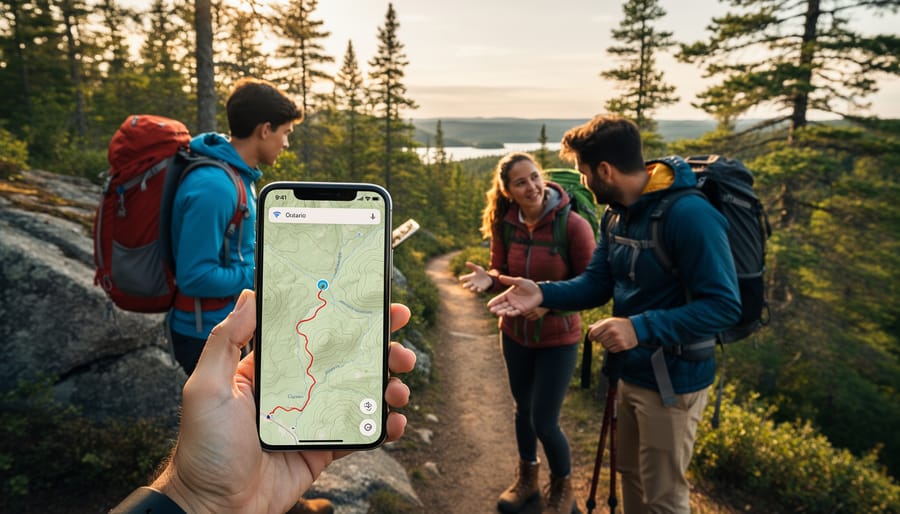
Before you lace up those hiking boots and venture into Ontario’s backcountry, let me share a trail secret that’s saved me more than once: your phone’s GPS works even without cell service, but only if you’ve downloaded the right maps beforehand. I learned this the hard way during a foggy morning in Algonquin Park when my “perfect sense of direction” led our group in circles for an hour.
AllTrails is my go-to app for trail mapping, offering detailed topographic maps and user reviews from fellow hikers. The premium version lets you download maps for offline use, which is essential when you’re exploring remote areas like Killarney Provincial Park or the Bruce Trail’s northern sections. Gaia GPS is another favorite among serious adventurers, providing professional-grade mapping tools and the ability to mark waypoints and track your route.
Here’s an insider tip: download your maps while connected to WiFi the night before your hike. This saves your data plan and ensures everything loads properly. I always download maps for a larger area than I think I’ll need, just in case I take a wrong turn or decide to extend my route.
For safety, tell someone your planned route and expected return time. Keep your phone in airplane mode to conserve battery, since GPS drains power quickly. A portable charger is your best friend on longer hikes. Remember, these apps are fantastic tools, but they’re meant to complement traditional navigation skills and physical maps, not replace them entirely.
Weather and Wildlife Tracking
Mother Nature doesn’t always stick to the forecast, and nothing deflates a camping trip faster than unexpected storms or showing up just after the northern lights faded. That’s where hyperlocal weather apps become your secret weapon for Ontario adventures.
I swear by Windy for its incredibly detailed radar and wind predictions – it’s saved my canoe trips more than once. The app shows you weather patterns hour by hour, perfect for planning that sunrise paddle or deciding whether to push on to the next portage. For aurora hunters heading to northern Ontario parks, apps like Aurora Forecast and My Aurora Forecast send notifications when conditions are prime for viewing the lights dancing across the sky.
Wildlife enthusiasts should download iNaturalist before any park visit. This community-driven database shows recent animal sightings with exact locations and timestamps. I’ve used it to track moose activity in Algonquin and spotted patterns that helped me photograph a cow and calf at dawn – something I’d never have timed right otherwise.
Here’s an insider tip that transformed my trip planning: check weather apps for the week after a long weekend or holiday. You’ll often find the same beautiful conditions with a fraction of the crowds. Parks clear out dramatically on Tuesday mornings, yet the weather patterns typically hold for several days.
For eco-friendly timing, use these apps to visit during shoulder seasons when conditions are still excellent but visitor pressure on sensitive ecosystems is lower. You’ll get better wildlife sightings too, as animals emerge when human traffic decreases.
Planning Your Itinerary: Digital Tools That Save Time
Building Multi-Stop Routes Across Ontario
Creating a multi-stop adventure across Ontario becomes surprisingly simple with the right digital tools. Google Maps remains the go-to for most travelers, and here’s an insider tip: you can add up to ten stops on a single route. Simply click “add destination” between your start and end points, then drag and drop stops to reorder them for the most efficient path. This feature has saved me countless hours when planning trips from Toronto up to Algonquin and across to Ottawa.
For longer road trips spanning multiple days, Roadtrippers really shines. The app shows you interesting attractions within a customizable distance from your route, helping you discover hidden gems you might otherwise miss. I’ve stumbled upon charming small-town diners and unexpected waterfalls this way. The platform also estimates driving times and suggests overnight stops.
An eco-friendly approach? Cluster attractions geographically to minimize backtracking and fuel consumption. Plan your route as a loop rather than an out-and-back journey when possible. Both Google Maps and Roadtrippers allow you to save routes offline, which conserves phone battery and data while you’re exploring areas with spotty service. Download your maps the night before departure, and you’ll navigate confidently even in Ontario’s more remote regions.
Finding Hidden Gems and Local Favorites
Skip the tourist traps and discover Ontario’s best-kept secrets using digital tools that locals love. Instagram geotags reveal stunning viewpoints and charming cafes that guidebooks miss—search location tags near your destination to see real-time photos and honest impressions. Reddit communities like r/OntarioTravel offer insider knowledge you won’t find elsewhere, while Google Maps reviews help you spot authentic experiences over tourist-focused spots.
Try apps like HappyCow for plant-based dining options or Too Good To Go, which connects you with restaurants offering surplus food at reduced prices—perfect for eco-conscious travelers. Community Facebook groups often share seasonal events, farmers’ markets, and trails that aren’t heavily promoted online.
When planning your itinerary, prioritize supporting local businesses over chains. Check out community tourism websites and local tourism boards’ social media for hidden hiking trails, family-run shops, and roadside attractions. These platforms frequently highlight sustainable tourism initiatives and lesser-known natural areas that help reduce overcrowding at popular parks while giving you a more authentic Ontario experience.
Insider Tips for Making Digital Tools Work Better
Even the best digital tools need a smart user behind them. Here’s what I’ve learned from years of exploring Ontario’s backcountry and occasionally scrambling when technology didn’t cooperate.
Before you leave home, download offline maps for your destination areas. Both Google Maps and many hiking apps let you save regions for offline use. I can’t tell you how many times this has saved me when cell service disappeared somewhere between Huntsville and my campsite. Download your park permits, confirmation emails, and reservation screenshots as PDFs too. Store them in a separate folder on your phone where they’re easy to find.
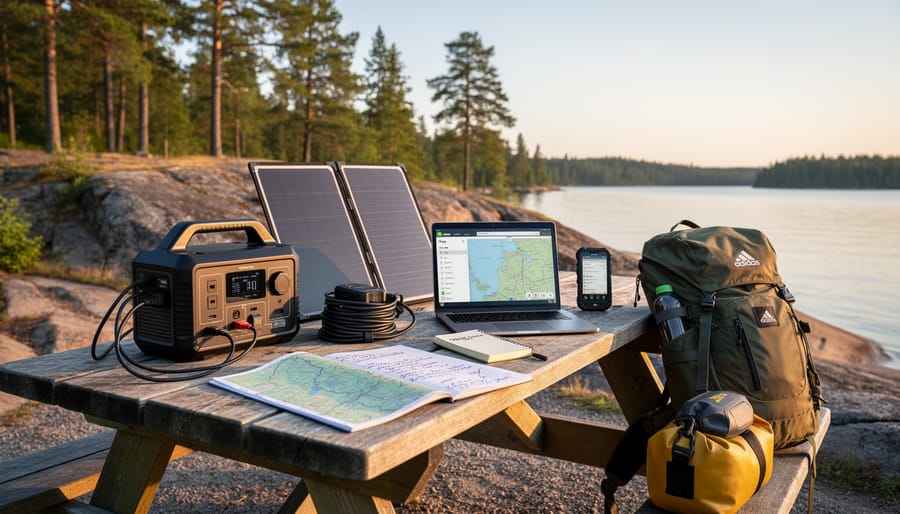
Battery management becomes critical when you’re miles from the nearest outlet. Airplane mode is your friend in low-signal areas since your phone burns through battery searching for towers. Bring a portable charger, and consider it as essential as your water bottle. I keep mine charged and ready in my day pack on every trip.
Share your itinerary with someone back home, either through email or a shared document. Include campsite details, trail names, and expected return times. This isn’t just about safety, it’s practical when your travelling companions are arriving separately or meeting you at different locations.
Here’s a cautionary tale: Last summer, I relied entirely on a digital camping permit for Algonquin Park. My phone died during the drive, and my car charger had mysteriously stopped working. The gate attendant graciously let me through, but I spent twenty anxious minutes explaining my situation. Now I screenshot critical confirmations and email them to myself. Technology is wonderful until it isn’t, so always have a backup plan. Print your most important reservations, or at minimum, have them accessible through multiple devices. A little old-school preparation makes your high-tech planning actually work when you need it most.
What to Do When Technology Fails (And It Will)
Here’s the truth no one tells you: your phone will die at the exact moment you need directions to that hidden waterfall. The cell signal will vanish just as you’re pulling up your campsite reservation. Technology is amazing until it isn’t, and when you’re exploring Ontario’s backcountry, Murphy’s Law is absolutely in effect.
Before you leave home, screenshot everything essential. I mean everything: confirmation numbers, addresses, park maps, emergency contacts, and that perfect itinerary you spent hours crafting. Store them in a dedicated photo album on your phone. Even better, email these screenshots to yourself so you can access them from any device. I once lost my entire phone in Algonquin Park and felt like a hero for having emailed myself the key details.
Keep old-school paper backups of critical information. Print your accommodation confirmations, park permits, and a basic route map. Tuck them in a waterproof bag in your glove compartment or backpack. Yes, it feels ridiculously low-tech, but when your battery hits zero on a rainy November afternoon, that crumpled printout becomes your best friend.
Download offline maps before you venture into areas with spotty coverage. Google Maps and other navigation apps let you save entire regions for offline use. Download hiking trail apps, park guides, and any reservation details while you still have WiFi.
Here’s the silver lining: some of my best travel memories happened precisely when technology failed. That wrong turn led to an incredible sunset view. That dead phone forced actual conversations with locals who shared insider tips no app could provide. Sometimes the detours become the destination.
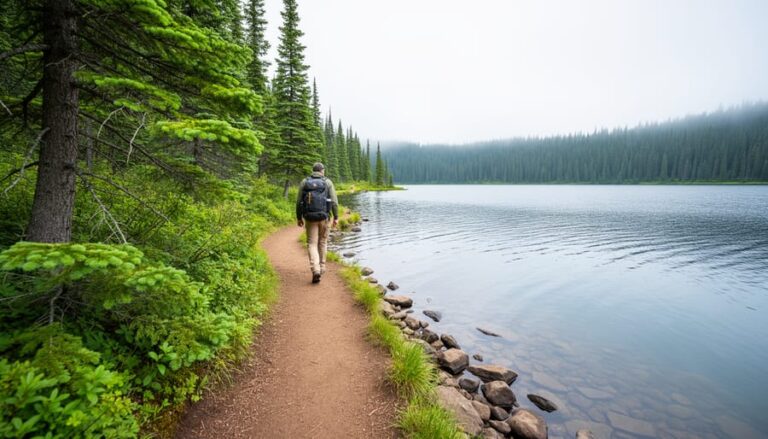
Here’s the truth: the best travel app in the world can’t replace the feeling of mist on your face at Niagara Falls or the scent of pine trees along a backcountry trail. Technology is an incredible tool for planning your Ontario adventures, but it’s just that—a tool. Think of your smartphone as a sophisticated compass, not the journey itself.
The magic happens when you use digital resources to remove the friction from planning, freeing up more mental space for actual exploring. Let apps handle the logistics—finding that perfect campsite, navigating unfamiliar roads, identifying the hawk circling overhead—so you can be fully present in the moment. Download your maps for offline use, then tuck your phone away and listen to the loons on a northern lake.
One insider tip I always share: take a digital detox for at least part of your trip. Yes, use technology to get there safely and plan efficiently, but once you’ve arrived at that secluded provincial park or hidden waterfall, give yourself permission to disconnect. The photos can wait. The social media posts can wait. Ontario’s wilderness has existed for millennia without WiFi, and experiencing it without a screen between you and nature? That’s when the real adventure begins.
So go ahead—download those apps, bookmark those websites, and plan away. Then get out there and explore.









+ There are no comments
Add yours