
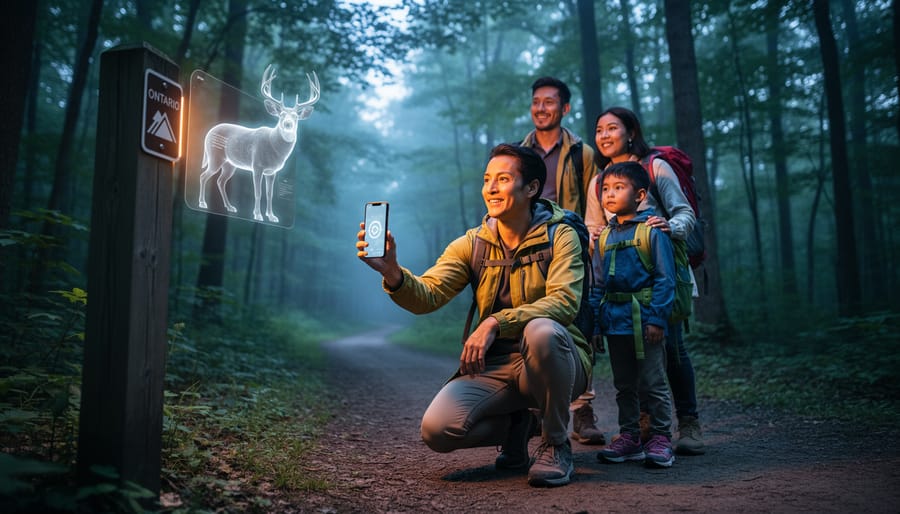
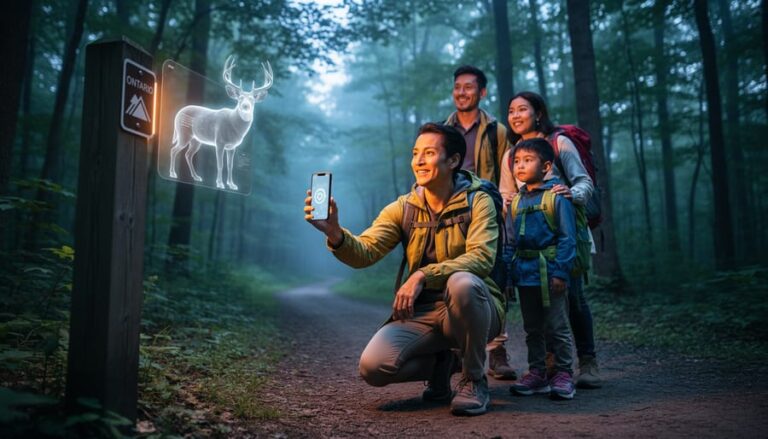
Augmented reality experiences in Ontario Parks let you point your smartphone or tablet at a trail marker, historical plaque, or natural feature and watch digital content spring to life on your screen. Information panels transform into 3D animals, extinct species reappear in their ancient habitats, and Indigenous stories unfold through animated overlays right where they happened. You don’t need special equipment beyond a mobile device and a free app, and the technology works entirely outdoors without draining your data plan thanks to location-triggered content.
If you’ve been wondering whether AR is just a gimmick or actually adds something meaningful to a park visit, here’s what matters: the best implementations feel less like a tech demo and more like having a knowledgeable guide who can show you what a landscape looked like 10,000 years ago or help your kids spot wildlife they’d otherwise miss. At participating parks, you’ll find AR stations marked with clear signage along popular trails and at visitor centers.
The experience works particularly well for families with screen-loving kids who suddenly get excited about hiking when there’s a digital scavenger hunt involved. But even solo hikers and nature photographers appreciate how AR layers can identify bird calls, overlay historical photos onto modern viewpoints, or explain geological formations without cluttering the physical landscape with interpretive signs.
The technology respects the park experience. Your phone stays in your pocket until you reach a designated AR point, you engage with the content for a few minutes, then you move on. No constant notifications, no social media prompts, just thoughtfully placed digital enhancements that deepen your connection to the place.
What AR Brings to Your Park Visit
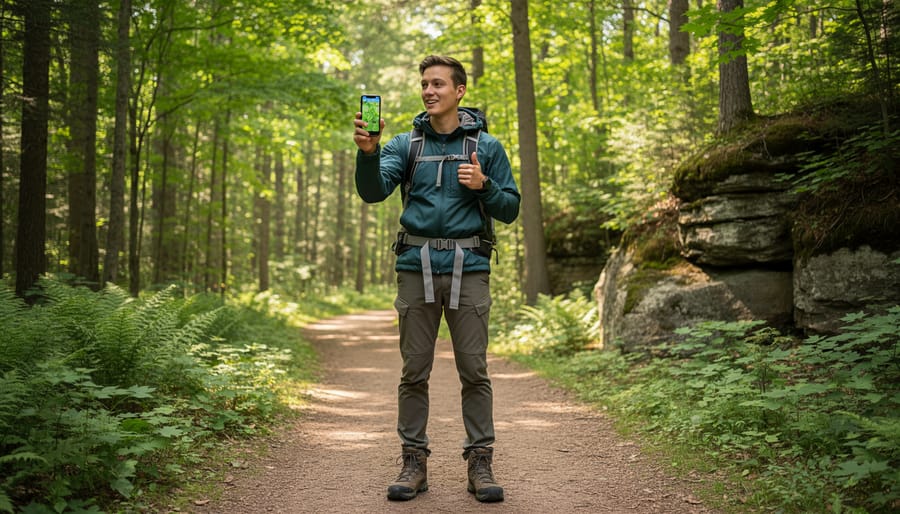
Point your smartphone at a seemingly ordinary tree along an Ontario Parks trail and watch as a digital overlay reveals the species, identifies animal tracks at its base, and shows which birds nest in its branches. That’s augmented reality in action, your device’s camera feeds you the real-world view while layering digital information, animations, and interactive elements on top of what you’re already seeing.
Most AR experiences in Ontario Parks work through downloadable apps specific to each park or through the Ontario Parks mobile app itself. You’ll need a smartphone or tablet with a decent camera and GPS capability, nothing fancy beyond what most visitors already carry. Once you launch the app and point your device at designated spots (marked by signs or listed on trail maps), the magic happens. Historical scenes materialize in front of heritage buildings, extinct species appear in their natural habitats, and geological formations reveal their layers from millions of years ago.
What sets this apart from reading an interpretive sign is the interactivity. A plaque tells you about the Indigenous communities who lived on this land; AR lets you see a reconstructed village, hear traditional stories, and understand seasonal patterns through animated demonstrations. Kids can tap on virtual wildlife to learn feeding habits while grandparents discover geological timelines at their own pace.
The tech adapts beautifully across ages. Younger children love the treasure-hunt aspect of finding AR markers, while teenagers engage with quiz features and photo ops that blend them into historical scenes. Adults appreciate the depth of information available on demand, you control whether you want a quick fact or a five-minute deep dive into ecosystem dynamics. Unlike museum displays, you’re standing in the actual location where these stories unfolded, which creates a connection that flat screens can’t replicate.
Battery drain is real, so bring a portable charger. The apps typically download content when you have wifi, then work offline using your phone’s GPS and camera, perfect since cell service gets spotty on remote trails.
Where to Find AR Experiences in Ontario Parks
Ontario’s AR offerings span from the rugged Canadian Shield to the shores of the Great Lakes, with each park bringing its own twist to the technology. The experiences fall into distinct categories that help you choose based on your interests.
Northern parks lead with geological storytelling. Killarney Provincial Park overlays ancient rock formations with visualizations showing how the La Cloche Mountains formed over billions of years. Point your device at the white quartzite cliffs and watch them transform through geological time, revealing when these rocks were tropical seafloors. Lake Superior Provincial Park takes a similar approach with its Precambrian Shield exposures, letting visitors see cross-sections of the Earth’s crust that would otherwise require a geology degree to fully appreciate.
Southern Ontario parks excel at historical recreation. Fort William Historical Park near Thunder Bay uses AR to populate the fur trade post with digital traders, voyageurs, and Indigenous peoples going about daily 1815 life. You’ll stand in empty courtyards that suddenly fill with period-accurate scenes triggered by your location. Pinery Provincial Park on Lake Huron focuses on natural history, with overlays showing how the oak savanna ecosystem looked before European settlement and how it’s being restored today.
Indigenous digital storytelling anchors several Eastern Ontario experiences. Bon Echo Provincial Park offers Mazinaw Rock’s pictographs with AR translations and cultural context provided by Algonquin elders. The technology doesn’t just identify the symbols but layers in oral histories and creation stories that explain their significance. This approach works beautifully for multigenerational visits where grandparents and kids explore together.
Insider tips for choosing your park: Families with younger children (ages 5-10) do best at parks with wildlife identification features like Algonquin’s “Name That Track” AR game or Presqu’ile’s bird migration overlays. Tech enthusiasts gravitate toward Killarney’s complex geological visualizations or Fort William’s detailed historical reconstructions. Educational groups booking in advance can access curator-mode features at several parks, unlocking deeper content layers not available to casual visitors.
Battery-draining experiences like Fort William’s full historical overlays work better as half-day adventures, while simpler identification apps at Algonquin or The Pinery can run intermittently throughout a full day’s hike without killing your phone.
Making the Most of Your AR Park Adventure
I learned this lesson the hard way at Bon Echo Provincial Park last summer. My phone died at 11 AM, right before the AR overlay was supposed to show me centuries-old Mazinaw Rock pictographs in their original colors. Now I always bring a portable charger and keep my phone in airplane mode until I’m ready to use the AR features.
Start your morning with a full charge and a backup battery pack. AR apps drain power faster than you’d think, especially when your camera’s running and GPS is active. Download any required apps and experiences before you leave home or while you’re still at the park gate where wifi usually works. Most AR features need initial downloads that won’t happen on spotty trail coverage.
Timing matters more than most visitors realize. Morning light works beautifully for AR experiences, screens stay readable without glare, and you’ll have fresh battery life for the day ahead. I’ve found late afternoon creates tough viewing conditions; you’re squinting at your screen while the sun’s directly behind your target, and your battery’s already taken a beating from a day of photos and navigation.
Check whether your chosen park’s AR works offline. Some experiences cache everything after the initial download, while others need periodic data connections. If you’re relying on cellular, accept that coverage will be patchy. Consider this when planning which trails to tackle with AR guidance versus which ones you’ll explore the old-fashioned way.
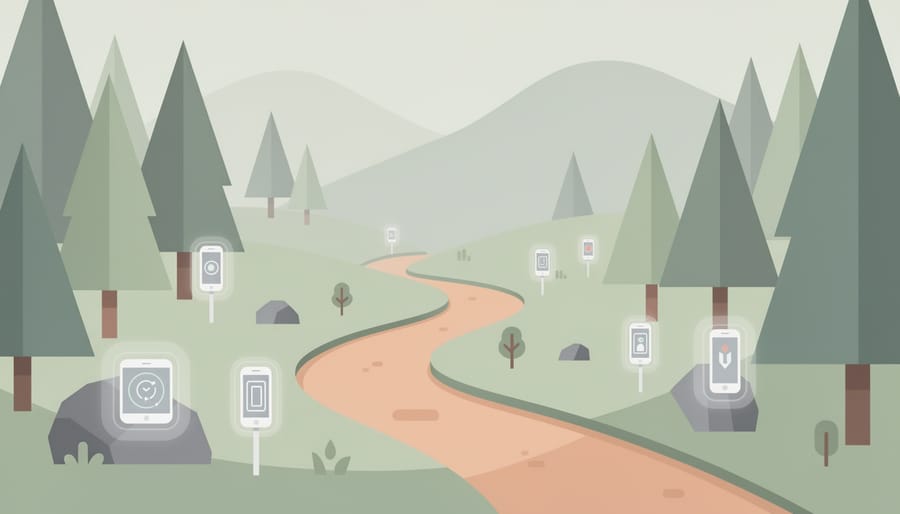
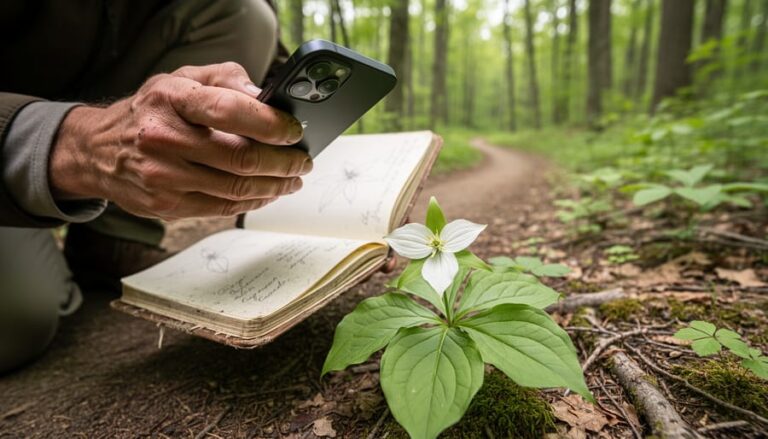
Here’s my personal rule: AR for learning, eyes up for living. When I reach a geological formation or historical site, I’ll spend five minutes with the AR overlay learning what I’m seeing. Then the phone goes in my pack and I actually see it. The smart interactive map helps you plan these stops in advance so you’re not constantly checking your device.
Weather protection matters. Keep your device in a waterproof case or bag, sudden rain happens, and condensation forms faster than you’d expect when moving between temperatures. I keep a microfiber cloth handy because screens and fingerprints don’t mix well outdoors.
Practice good tech etiquette. Keep volumes low, step aside for other hikers when you’re using AR, and minimize digital trail by disabling location sharing when it’s not needed for the experience itself. Your fellow visitors came for nature’s sounds, not notification pings.
What Kids and Families Love About AR in Parks
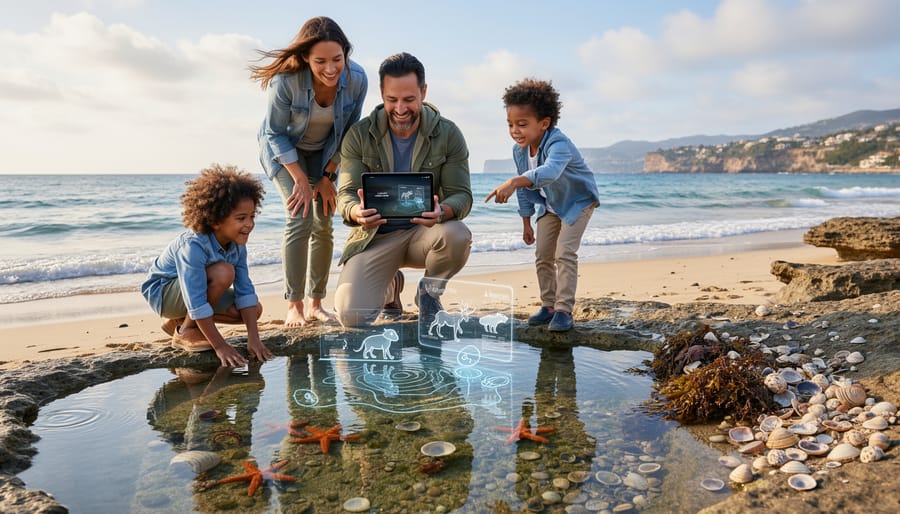
Kids who normally drag their feet on the trail suddenly become the ones leading the way when AR elements come into play. The gamification aspect flips the script, instead of parents coaxing children to the next lookout, you’ll watch them race ahead to unlock the next digital discovery point or complete a virtual scavenger hunt badge.
The wildlife identification features resonate particularly well with the 7-12 age group. Point your device at a bird call or animal track, and the app overlays information about what made it, what the creature eats, and where it might be hiding right now. One family at Algonquin told me their daughter spent an entire afternoon becoming an expert on beaver behaviour after the AR experience showed her how to spot lodge entrances and feeding signs she’d walked past for years.
Scavenger hunt challenges work brilliantly because they disguise learning as play. Kids collect virtual badges by finding specific trees, identifying rock formations, or locating historical markers. The competitive element sparks sibling rivalry in the best way, who can spot the white pine first, who remembers more facts about the glacial history.
Teenagers engage differently but just as intensely. They appreciate the photography opportunities AR creates, snapping selfies with virtual prehistoric creatures overlaid on modern landscapes or sharing screenshots of completed challenges. The social media angle gives them a reason to stay engaged when a simple hike might bore them.
Parents consistently report that AR transforms “are we there yet” complaints into “just one more stop” enthusiasm. The technology creates natural conversation starters about conservation, history, and ecology without feeling like a classroom lecture.
Common Questions About AR Park Experiences
The questions visitors ask most often center on practicality, and the answers are simpler than you might think. You don’t need to own the latest smartphone to enjoy AR experiences at Ontario Parks, most features work on devices from the past three to four years running iOS or Android. Parks typically provide loaner tablets at visitor centers when available, though bringing your own device ensures you can explore on your schedule.
Is there a cost for AR experiences?
Most AR features are included with your park admission at no extra charge. A few specialized experiences may involve a small fee, but the majority are free to all visitors.
Do I need cell service or wifi?
Many AR apps let you download content before your visit, so they work offline on trails. Visitor centers and some parking areas offer wifi for initial downloads.
What if I’m not comfortable with technology?
Park staff offer quick tutorials at visitor centers, and the apps are designed with simple, icon-based navigation. Most visitors get the hang of it within two minutes.
Can I use AR in rain or cold weather?
Yes, though you’ll want a waterproof case or bag for wet conditions. Cold drains batteries faster, so keep a portable charger in an inside pocket to stay warm.
Accessibility has become a priority, with AR accessibility with AI helping visitors with visual impairments experience features through audio descriptions and haptic feedback. Screen readers work with most park apps, and adjustable text sizes accommodate different vision needs.
Battery life worries people, but a full charge typically handles three to four hours of intermittent AR use, more than enough for most trail experiences. Bringing a small power bank solves the concern entirely. The apps pause when you’re not actively using them, so you’re not draining power while you hike between points of interest or stop for lunch.
Augmented reality in Ontario Parks isn’t about choosing between screens and scenery, it’s about discovering layers of stories that have always been there, just waiting for a new way to reveal themselves. The rustling leaves still sound the same. The trail beneath your feet remains unchanged. What shifts is your understanding of the ancient rock formations you’re standing on, the wildlife tracks you’re following, or the Indigenous history woven into the landscape.
Think of AR as a knowledgeable friend walking beside you, pointing out details you might have missed. When you lower your phone and look around with fresh eyes, those digital insights don’t disappear, they transform how you see the natural world.
Your next Ontario Parks adventure could include both: a quiet morning watching sunrise over the lake, then an afternoon unlocking geological secrets through your screen. Or a family hike where kids chase virtual challenges between real moments of wonder at a waterfall.
The choice is yours, but the invitation stands. Ontario’s parks hold countless wonders, some visible to the naked eye and others hidden in digital layers. Why not experience both? Download an AR app before your next visit and see what new perspectives await.








+ There are no comments
Add yours