
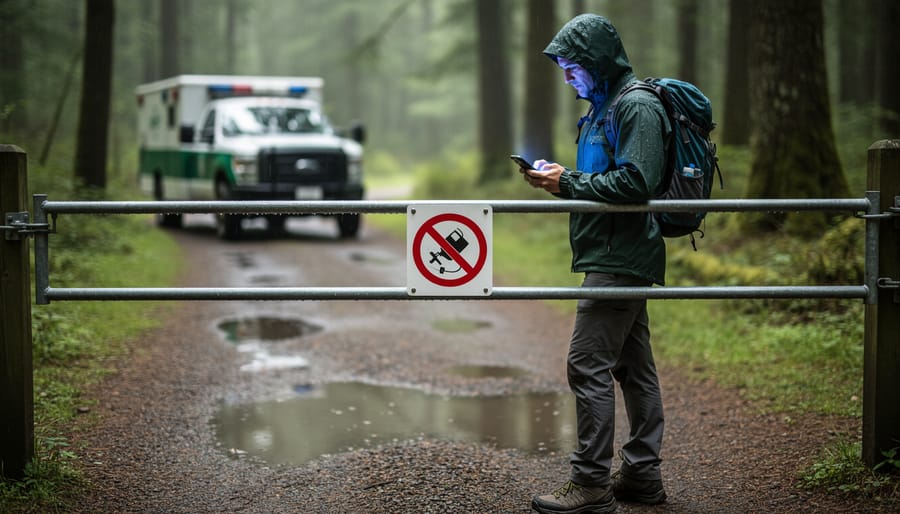
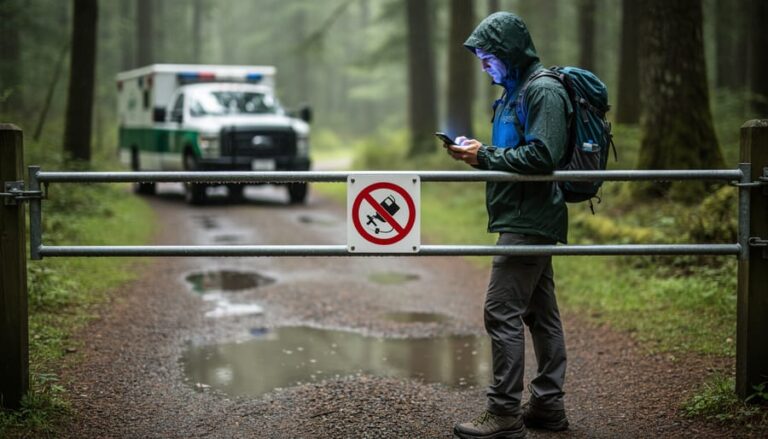
You’ve checked Ontario Parks’ closure map before hitting the road, only to arrive at a locked gate with a “Trail Closed” sign that wasn’t there online an hour ago. That frustrating scenario happens because most park closure maps operate on “near-real time”—a term that sounds instant but actually means updates can lag anywhere from 15 minutes to several hours behind actual conditions.
Near-real time isn’t true real-time. Think of it like getting weather updates every 30 minutes instead of every second. Park staff need to physically assess conditions, make closure decisions, and manually update digital systems before changes appear on your screen. During rapidly changing situations—sudden storms, flash flooding, or unexpected wildlife activity—that gap between reality and your map can leave you stranded or scrambling for backup plans.
Understanding this delay matters because it changes how you prepare for outdoor adventures. That beautiful hiking trail showing “open” online might have closed 20 minutes ago due to a downed tree, but the system hasn’t refreshed yet. The picnic area marked “closed for maintenance” could have reopened yesterday, but you’d miss out without calling to confirm.
The good news? Once you know what near-real time actually means, you can plan smarter. Instead of trusting the map as gospel, treat it as your starting point—a helpful but imperfect tool that needs backup verification. Smart trip planning means accounting for these delays and having contingency options ready before you leave home.
What Does ‘Near-Real Time’ Actually Mean?
You know how when you send a text message, your friend gets it almost instantly? That’s real-time communication. Now imagine sending that same message, but it takes five or ten minutes to arrive. That’s near-real time—not quite instant, but still pretty quick.
When parks and outdoor recreation websites use the term “near-real time” for their closure maps, they’re essentially saying: “Hey, we’re updating this information as fast as we reasonably can, but there’s going to be a small delay.” And honestly? That’s perfectly fine for most trip planning purposes.
Here’s the thing: true real-time updates would mean the second a park ranger closes a trail at 9:03 AM, the map reflects that change at 9:03 AM. Near-real time might mean that closure shows up on your screen at 9:15 AM, or maybe 9:30 AM. There’s a lag between what’s happening on the ground and what you’re seeing online.
Think of it like the difference between watching a live sports game and watching it with a streaming delay. You’re still getting current information—you’re just a few plays behind the folks in the stadium.
The opposite of near-real time would be delayed or batch updates. Picture checking a map that only gets refreshed once every 24 hours, or even once a week. That’s like relying on postal mail instead of text messages. If a storm rolls through on Tuesday morning and closes half the trails, but the map doesn’t update until Wednesday, well, you can see how that becomes a problem for anyone heading out Tuesday afternoon.
Near-real time strikes a practical balance. It acknowledges that getting information from remote wilderness areas to your smartphone isn’t instantaneous, but it’s fast enough to help you make informed decisions about your outdoor adventures.
How Ontario Parks Updates Trail Closures and Hazards
From Park Ranger to Your Phone
Picture this: A park ranger is out on their morning patrol when they discover a massive oak tree has fallen across the main trail after last night’s storm. Safety first, right? So here’s what happens next.
The ranger pulls out their tablet or phone and logs the closure directly into the provincial parks system. They snap a photo, mark the exact location, note the hazard type, and estimate how long repairs might take. This report doesn’t sit in someone’s inbox waiting for approval. Instead, it flows through a streamlined digital system where it gets verified and categorized.
Within minutes to a few hours, that information syncs with the online closure map. The key word here is “syncs”—not “instantly appears.” Think of it like ordering food delivery. The restaurant gets your order right away, but there’s still prep time before it reaches your door.
Back at park headquarters, staff review incoming reports to ensure accuracy. They might add details like alternate routes or expected reopening dates. Once verified, the update goes live on the map you check before your weekend adventure. The whole process typically takes anywhere from 30 minutes to several hours, depending on factors like internet connectivity in remote areas and staff availability.
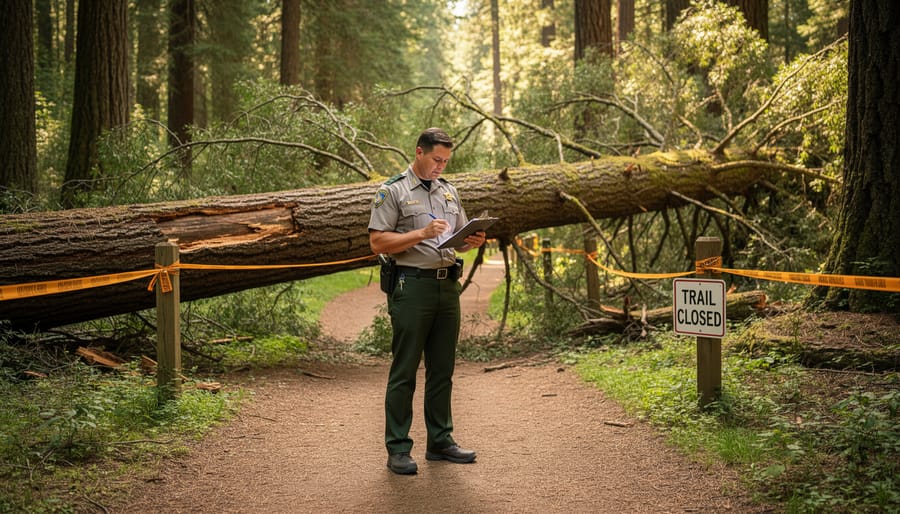
Why Updates Aren’t Instant
You might wonder why your phone updates instantly but park closure information doesn’t. Well, think about where these parks actually are! Many of Ontario’s most beautiful natural areas sit in remote locations where cell service is spotty at best. Park rangers and conservation staff can’t simply tap a button and broadcast changes to the world when they’re deep in the backcountry without reliable connectivity.
There’s also the human element. When a trail closes due to a fallen tree or flooding, someone needs to physically inspect the situation, assess the safety risks, and make an official determination. This isn’t an automated process. Rangers must verify conditions, document the issue, and then communicate back to headquarters, often traveling considerable distances to do so.
Once that information reaches the people responsible for updating online maps, they need to input the details manually. During busy seasons or emergency situations like severe storms, staff might be prioritizing immediate safety concerns over website updates. This verification and manual updating process, while essential for accuracy, naturally creates a time lag. It’s a bit like playing telephone through a network of dedicated professionals working across vast wilderness areas. The information will get there, just not in the instant, push-notification way we’ve grown accustomed to in our daily digital lives.
What This Means for Your Trip Planning
Check Before You Leave (And Check Again)
Here’s my golden rule: check the closure map at least three times before any trip. I learned this the hard way after driving two hours to Algonquin only to find the access point closed due to a fallen tree from an overnight storm.
Start the night before your adventure. Look at the map after dinner when parks staff have likely posted end-of-day updates. This gives you time to pivot if needed without the morning rush stress.
Then check again first thing in the morning. Seriously, before you load the car or brew that second coffee. Conditions can change overnight, especially during storm season or when beaver activity floods trails unexpectedly.
If you’re driving more than an hour to your destination, consider one final check when you stop for gas or arrive at the trailhead parking lot. Yes, it might feel excessive, but reception can be spotty once you’re deep in park territory. Those extra two minutes on your phone could save you from hiking to a closed area. I keep the park’s closure map bookmarked on my phone’s home screen for quick access. Think of it as your pre-adventure ritual, just like packing your water bottle and trail snacks.
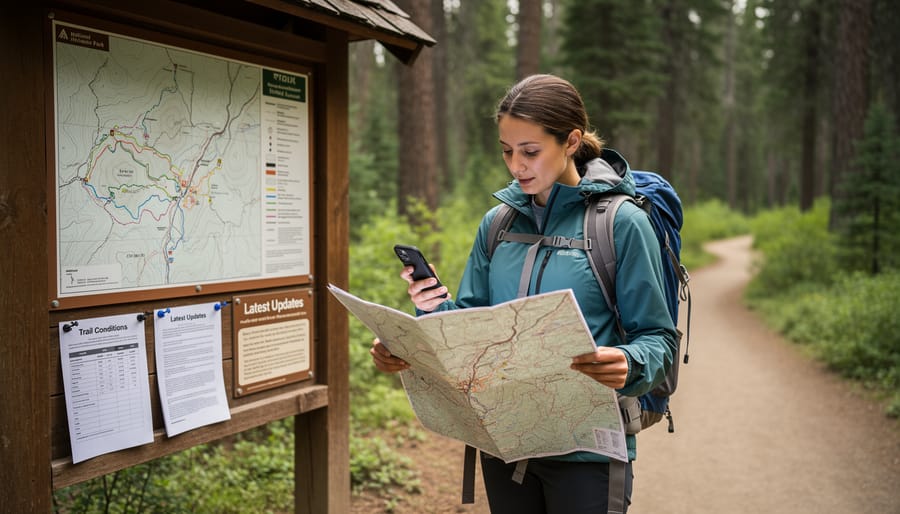
Have a Backup Plan
I learned this lesson the hard way on a spring morning when I drove two hours to Algonquin Park, coffee in hand and hiking boots laced up, only to find my planned trail closed due to unexpected flooding. The closure map I’d checked the night before showed everything open, but Mother Nature had other ideas. Standing there in the parking lot, I felt that familiar pang of disappointment mixed with mild panic about wasting a perfectly good Saturday.
That experience taught me to always pack a Plan B (and sometimes a Plan C). Now, before any park visit, I spend a few extra minutes researching alternative trails in the same area. If my first-choice destination is suddenly closed, I’ve got backup options already mapped out on my phone. This approach has saved countless trips and led me to discover some unexpected gems I might have otherwise missed.
Here’s what works for me: I bookmark three different trails or areas within reasonable driving distance of each other. I also keep a list of nearby towns with cafes or local attractions, so if the weather turns or multiple trails close, the day isn’t a total loss. Consider downloading offline maps too, since cell service can be spotty in remote areas.
Think of it as trip insurance. That extra fifteen minutes of planning means you’re ready to pivot when near-real-time updates don’t quite capture rapidly changing conditions. Your adventure spirit stays intact, and you might just stumble upon your new favorite spot.
Reading Between the Lines: What the Map Can’t Tell You
Here’s the thing about near-real time maps: they’re incredible tools, but they can’t tell you everything. I learned this the hard way during a camping trip to Algonquin when the map showed my planned trail as open, but didn’t mention that recent storm damage had made parts of it seriously challenging for my skill level.
Think of these maps as your starting point, not your finish line. They’ll show you official closures and advisories, but they won’t capture the nuances that can make or break your adventure. That muddy portage that’s technically open but exhausting after yesterday’s rain? The parking lot that fills up by 8 AM on sunny weekends? The black flies that are absolutely ferocious this week? You won’t find those details on any map.
So how do you fill in these gaps? Start by calling the park’s visitor center before you leave home. The staff there have their boots on the ground and can share current conditions that haven’t made it onto the digital map yet. They’re genuinely helpful and often have insider tips about less crowded alternatives if your first choice isn’t ideal.
Social media is your friend too. Search hashtags for the park you’re visiting to see what other adventurers are posting right now. Those real-time photos and comments reveal trail conditions, wildlife sightings, and crowd levels that no official system can track.
Local outdoor shops near popular parks are goldmines of information. The folks working there talk to dozens of hikers daily and know what’s really happening out there. Plus, they’ll often point you toward hidden gems that aren’t on most tourists’ radars.
Making the Most of Real-Time Closures and Hazards Maps
So you’ve pulled up the map and you’re ready to plan your adventure—great! Here’s how to squeeze every drop of usefulness from these near-real time tools.
First, get friendly with the legend. Those little icons representing closures, trail hazards, and road conditions aren’t just decoration. A quick study session (seriously, two minutes) will save you from misreading a “trail closed” symbol as “mild inconvenience.” Some maps even use color coding—red typically means stop, yellow suggests caution, and green is your go-ahead.
Next, timestamps are your best friend. Look for that “last updated” notation, usually tucked near the top of the page. If it says the map refreshed within the past few hours, you’re in good shape. Anything older than 24 hours? Treat it as helpful context rather than gospel truth.
Here’s my insider tip: screenshot the map before heading out, especially if you’re venturing into areas with spotty cell service. This gives you a reference point even when you’re offline.
And here’s the golden rule—combine digital intelligence with real-world awareness. Use the map to avoid obviously closed areas, but stay alert on the trail. Weather changes fast, trees fall unexpectedly, and wildlife doesn’t check the database before crossing paths. Consider downloading eco-friendly offline maps as backup, reducing your data usage while staying informed.
Think of these maps as your knowledgeable co-pilot, not your autopilot. They’ll get you pointed in the right direction, but your eyes and instincts complete the journey.
Here’s the thing about near-real time updates: they’re not a bug in the system, they’re actually a feature that respects the reality of managing hundreds of parks across our province. Think of it as your hiking buddy giving you a heads-up based on their morning trail check rather than a satellite feed tracking every fallen branch. Sure, it means you need to pack a backup plan alongside your trail mix, but that flexibility is part of what makes outdoor adventures memorable.
I’ve learned to see those slight delays as a reminder to stay adaptable. Sometimes the “closed” trail from this morning’s update has reopened by afternoon, or that perfect lakeside spot leads you to discover an even better alternative nearby. Check the maps before you leave, call ahead if you’re unsure, and always have a Plan B tucked in your back pocket.
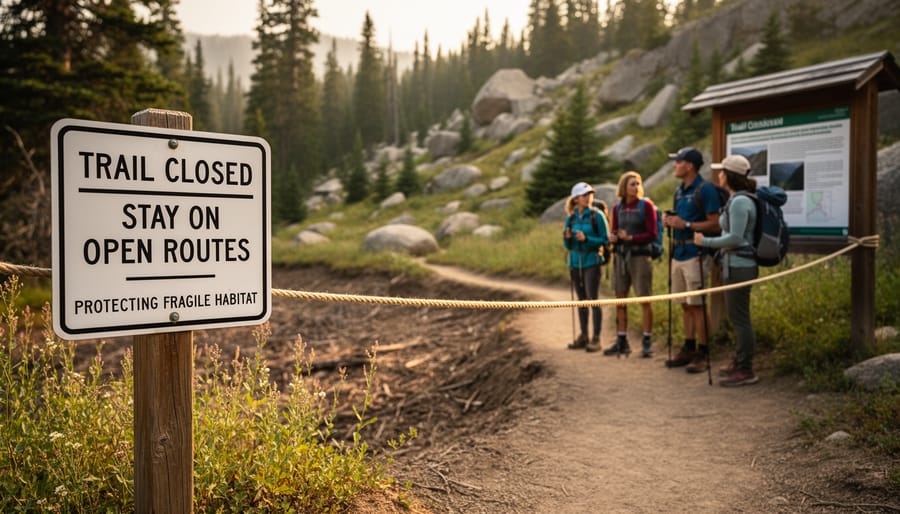
And here’s an important note: when you do see a closure notice, please respect it. These aren’t just administrative hurdles—they’re protecting sensitive ecosystems, nesting wildlife, or keeping you safe from hazardous conditions. By honoring these closures, even the slightly delayed ones, you’re helping preserve Ontario’s natural treasures for future adventures.




+ There are no comments
Add yours